TRENDING
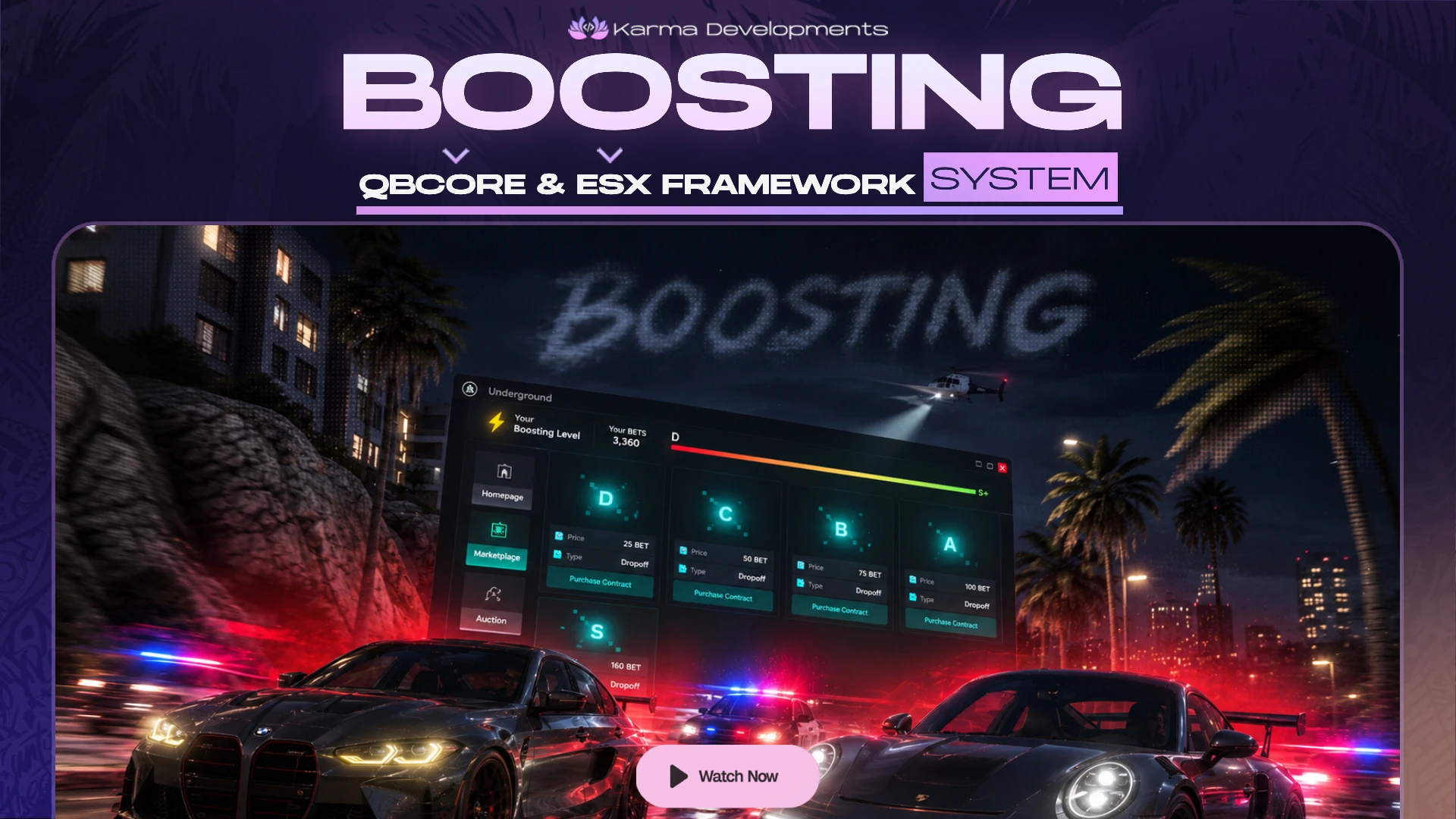
Fivem - Boosting 4.0 System
€11.99
€29.90
-60%
Halloween event: 65% off A little treat, for a limited time. Shop the sale
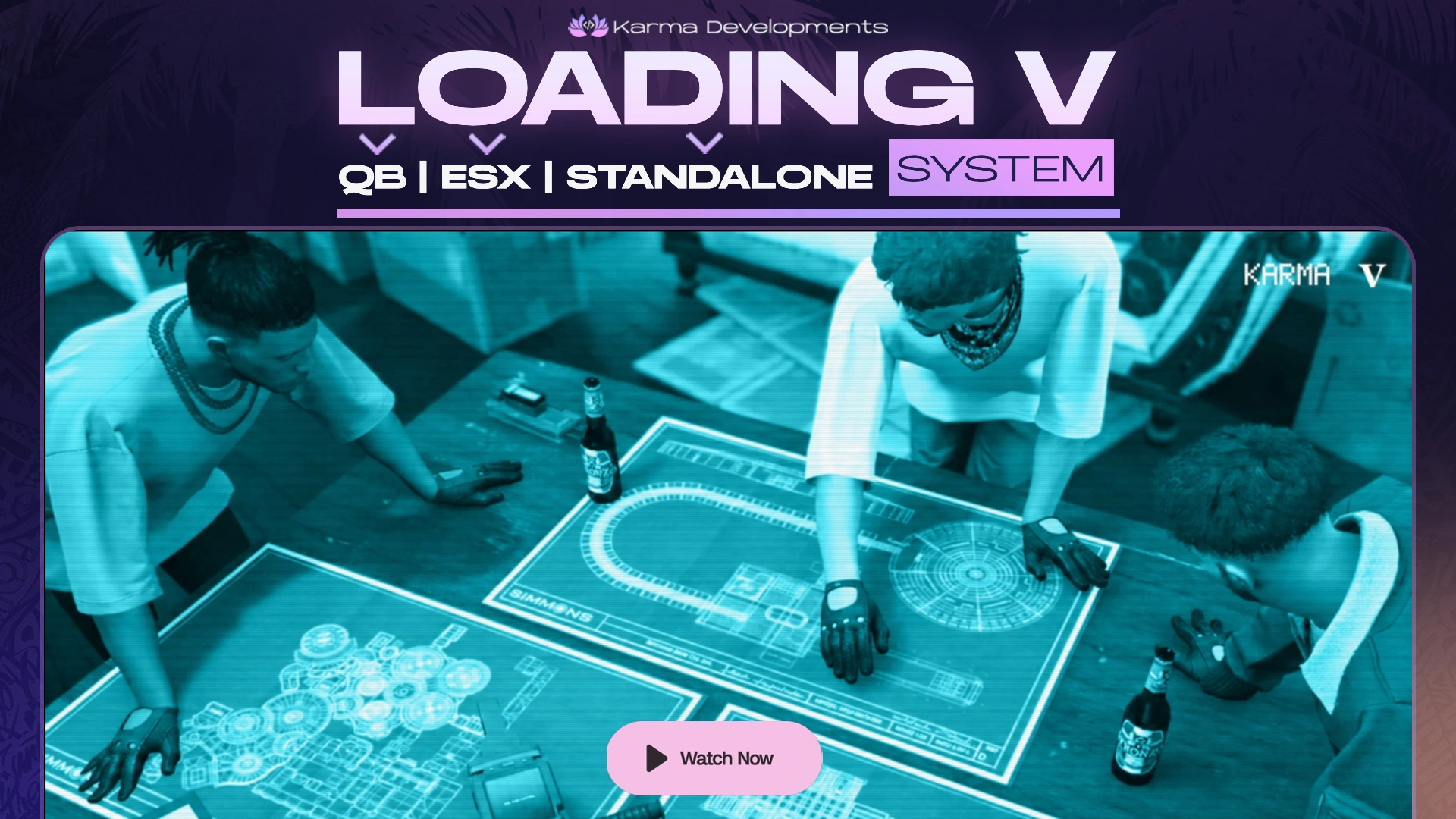
Karma Loading Screen V is a premium, cinematic, and fully customizable FiveM loading screen, inspired by the iconic GTA V loading experience.
Featuring authentic GTA-style introduction screens, interactive menus, cinematic backgrounds, smooth transitions, and advanced loading management, Karma Loading Screen V gives your server a polished and immersive first impression.
Designed as a standalone resource, Karma Loading Screen V works with QBCore, QBox, ESX, and custom frameworks, making it an ideal solution for any FiveM server.
Karma Loading Screen V delivers a complete, cinematic loading experience designed to give players a professional and immersive welcome before entering your FiveM server.
One complete cinematic loading screen designed to give your FiveM server a unique, professional, and unforgettable first impression.
Karma Loading Screen V is designed to be easy to configure, simple to integrate, and optimized for a smooth FiveM loading experience.
Server owners can customize the resource through:
config.lua
html/config.js
Configure options such as:
Karma Loading Screen V uses a lightweight HTML, CSS, and JavaScript interface, providing a responsive loading experience without requiring external frontend frameworks.
The system includes configurable background modes, customizable animation timing, and controlled loading-screen shutdown behavior.
Its standalone architecture keeps integration simple while offering extensive customization options.
Compatible with:
QBox • QBCore • ESX • Custom Frameworks
Karma Loading Screen V operates independently of your framework and includes configurable readiness detection to control when the loading screen should close.
Servers using custom spawn systems, character selectors, or framework initialization can integrate the manual readiness system for more precise loading management.
Other client-side resources can manually signal when the player is ready:
exports['karma-loadingscreen']:Ready()Or use the provided event:
TriggerEvent('karma-loadingscreen:ready')Check whether the loading process has finished:
local finished = exports['karma-loadingscreen']:IsFinished()Update the loading queue position:
exports['karma-loadingscreen']:SetQueuePosition(5)Clear the queue position:
exports['karma-loadingscreen']:SetQueuePosition(nil)The system supports two readiness modes:
Automatic Mode
Manual Mode
A configurable failsafe is also included to help prevent the loading screen from remaining active indefinitely.
Configure it. Customize it. Give your server a cinematic first impression.
Protected through the Karma Developments Portal, ensuring secure licensing and resource protection while keeping configuration files fully accessible for customization.
License Management Portal:
https://portal.karmadevelopments.shop
Get help with:
Please check the latest change-log in our discord
No reviews for this product yet. Buyers can leave one after their order is delivered.
Other resources owners add alongside it.