Automatic feedback after 7 days.
 Bought Fivem - Banking & ATM V System (Escrowed) and 2 more
Halloween event: 65% off A little treat, for a limited time. Shop the sale
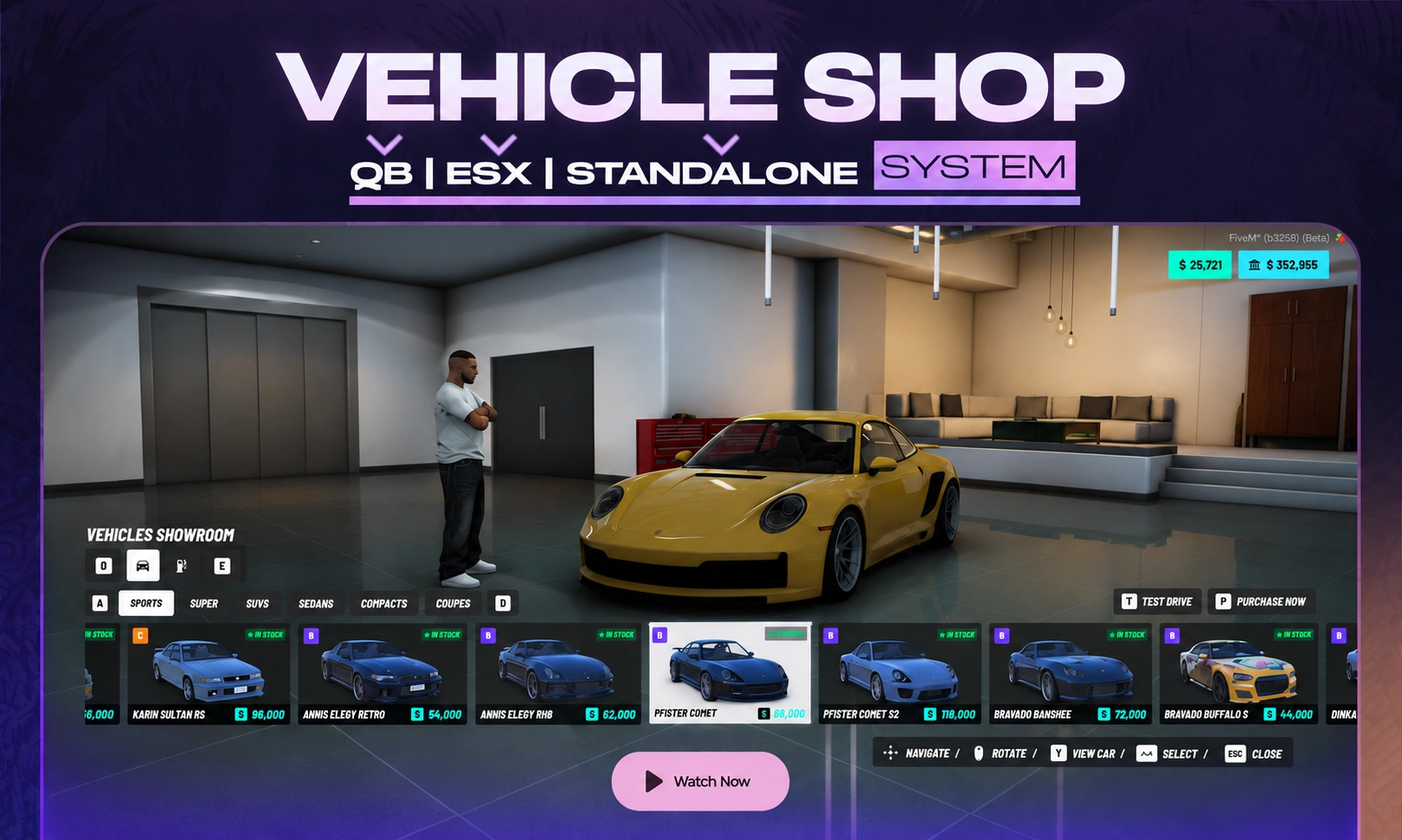
🎉 Introducing Karma Developments Vehicle Shop, a modern and highly configurable FiveM vehicle dealership system designed to give your server a polished, immersive, and professional vehicle-buying experience.
Inspired by the NoPixel V showroom style, Vehicle Shop combines a clean vehicle catalogue with cinematic vehicle previews, live paint customization, performance information, test drives, stock management, multiple payment methods, and configurable dealerships—all through a responsive and easy-to-use interface. 🚗✨
Built for QBox, QBCore, and ESX, Vehicle Shop includes automatic framework detection and can be configured for multiple dealerships, vehicle categories, custom locations, job-restricted shops, custom vehicles, and more.
.webp vehicle images for GTA V vehicles, giving the catalogue a polished appearance out of the box. Custom/addon vehicles can easily use their own images.qb-vehiclekeysqbx_vehiclekeyswasabi_carlockt1ger_keysowned_vehicles.karma_vehicleshop_stock table is created automatically on first start.karma-hud-v allows the HUD to automatically hide while players are browsing the showroom.Vehicle Shop is designed for QBox, QBCore, and ESX servers.
karma-vehicleshopox_liboxmysqlqbx_coreqb-corees_extendedinteract — the customized Karma Developments version is included with your purchasekarma-hud-vThe included interact resource must start before karma-vehicleshop.
Example:
ensure ox_lib
ensure oxmysql
ensure qbx_core        # or qb-core / es_extended
ensure interact

ensure karma-vehicleshop
Vehicle Shop is designed to be highly configurable through the included config/ files.
config/config.lua
config/vehicles.lua
config/paints.lua
These control the framework, money system, shops, vehicle catalogue, camera, test drives, stock system, paints, interface text, notifications, and more.
Config.Framework = 'auto' -- 'auto' | 'qbx' | 'qb' | 'esx'
Automatic detection checks:
qbx_core → qb-core → es_extended
You can also manually specify the framework when required.
Create unlimited dealership configurations with independent locations and settings.
Each dealership can define:
{
    id = 'pdm',
    label = 'Premium Deluxe Motorsport',

    ped = {
        model = 's_m_m_highsec_01',
        coords = vec4(...),
        scenario = 'WORLD_HUMAN_CLIPBOARD',
    },

    preview = vec4(...),
    spawn = vec4(...),
    testDrive = vec4(...),
    returnTo = vec4(...),

    categories = { 'sports', 'super', 'suvs' },

    job = nil,
}
This makes it possible to create standard dealerships, luxury dealerships, motorcycle stores, job-restricted dealerships, custom MLO showrooms, and more.
Vehicles are organized by category inside config/vehicles.lua:
Config.Vehicles = {
    sports = {
        {
            model = 'sultan',
            label = 'Karin Sultan',
            price = 32000,
            stock = 6
        },

        {
            model = 'comet2',
            label = 'Pfister Comet',
            price = 68000,
            stock = 3,
            class = 'A'
        },
    },
}
Configure:
Vehicle catalogue images are loaded from:
web/images/vehicles/<model>.webp
More than 1,300 GTA V vehicle images are already included.
For an addon vehicle:
.webp.web/images/vehicles/
Example:
myaddoncar.webp
Vehicle Shop includes server-side exports for external scripts such as admin panels, dealership jobs, restocking systems, or custom economy resources.
local amount = exports['karma-vehicleshop']:GetStock('pdm', 'sultan')

exports['karma-vehicleshop']:SetStock('pdm', 'sultan', 10)

exports['karma-vehicleshop']:AddStock('pdm', 'sultan', 3)

exports['karma-vehicleshop']:AddStock('pdm', 'sultan', -1)
Stock changes can be persisted to the database and synchronized with the interface for connected players.
After a successful purchase or test drive, Vehicle Shop automatically detects supported vehicle-key resources.
Supported integrations:
qb-vehiclekeys
qbx_vehiclekeys
wasabi_carlock
t1ger_keys
Servers using another key resource can modify:
bridge/client.lua
and integrate their own logic through Bridge.GiveKeys.
Vehicle Shop uses your framework's existing owned-vehicle table alongside its own stock table:
Framework | Vehicle Table |
|---|---|
QBCore / QBox |
|
ESX |
|
Vehicle Shop Stock |
|
The stock table is created automatically, so there is no separate SQL file to import.
Vehicle Shop can be extensively customized for your server.
Customize items such as:
The package includes:
karma-vehicleshopThe main Vehicle Shop resource containing the showroom system, vehicle catalogue, stock management, purchasing, test drives, paints, camera system, framework bridge, UI, configuration, and vehicle image library.
interactKarma Developments' customized interaction resource used for interactions such as:
The included version should be used with Vehicle Shop rather than another public or modified interact version.
Please review the product information, framework compatibility, and requirements before purchasing.
Karma Developments Vehicle Shop is a digital FiveM product.
Once the resource has been delivered or downloaded through the Cfx.re Portal, purchases are considered final under the included license terms.
If you experience an installation, configuration, or compatibility issue, please open a support ticket and include:
❗️ Important: When requesting purchase-related support, include your Invoice ID and CFX/Keymaster username so the support team can identify your order efficiently.
🛒 Explore the Karma Developments catalogue:
https://karmadevelopments.shop/catalogue
💬 Join the official Discord for support and updates:
https://discord.gg/karmadevelopments
📜 Terms of Service:
https://karmadevelopments.shop/terms-of-service
↩️ Refund Policy:
https://karmadevelopments.shop/refund-policy
Bring a modern, immersive, and feature-rich dealership experience to your FiveM server with Karma Developments — Vehicle Shop. 🚗🏪✨
Please check the latest change-log in our discord
Automatic feedback after 7 days.
Bought Fivem - Banking & ATM V System (Escrowed) and 2 more
Automatic feedback after 7 days.
Bought Fivem - VEHICLE SHOP V System
Automatic feedback after 7 days.
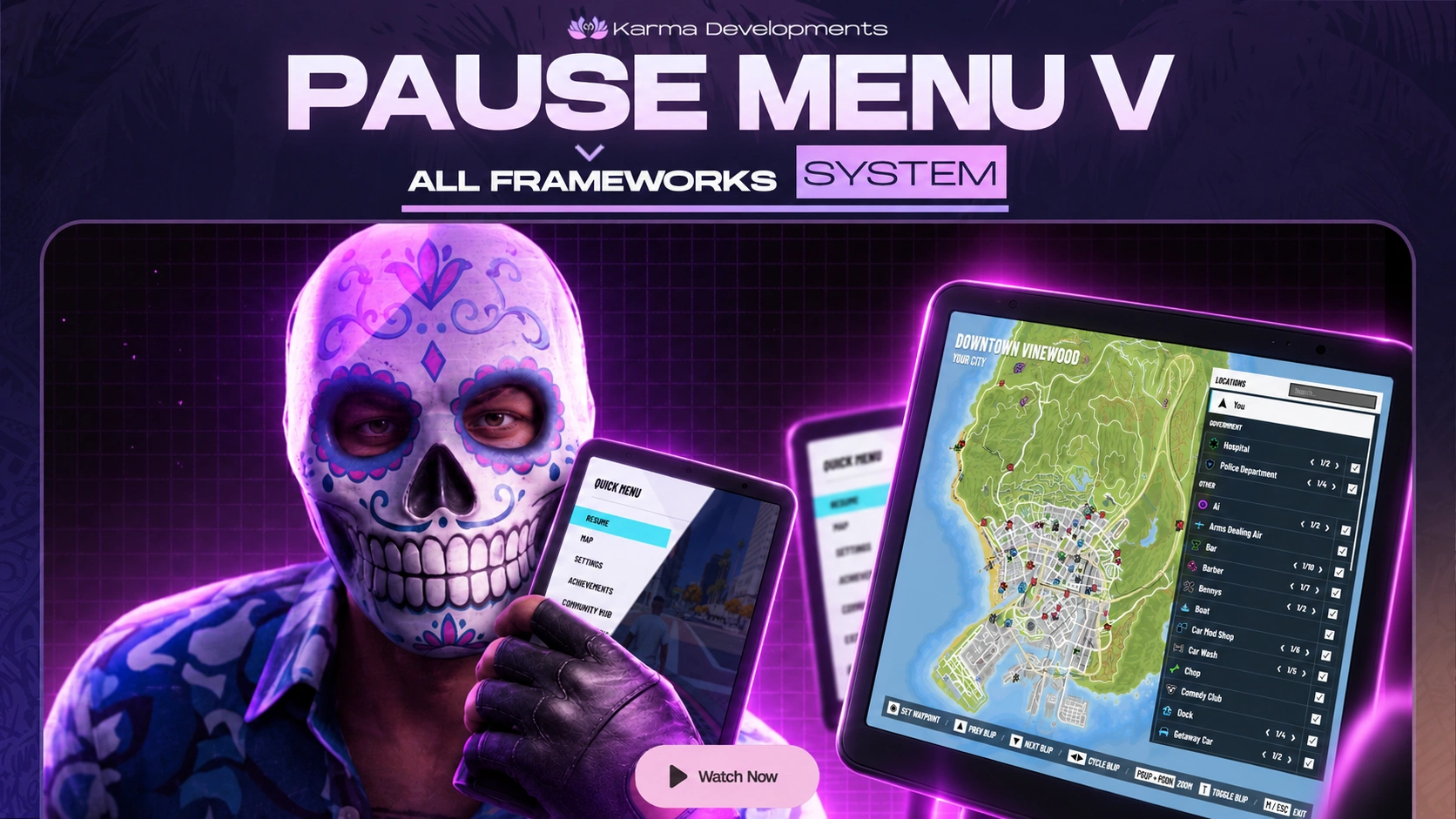 Bought Fivem - PAUSE MENU & MINIMAP V System (Escrowed) and 4 more
Automatic feedback after 7 days.
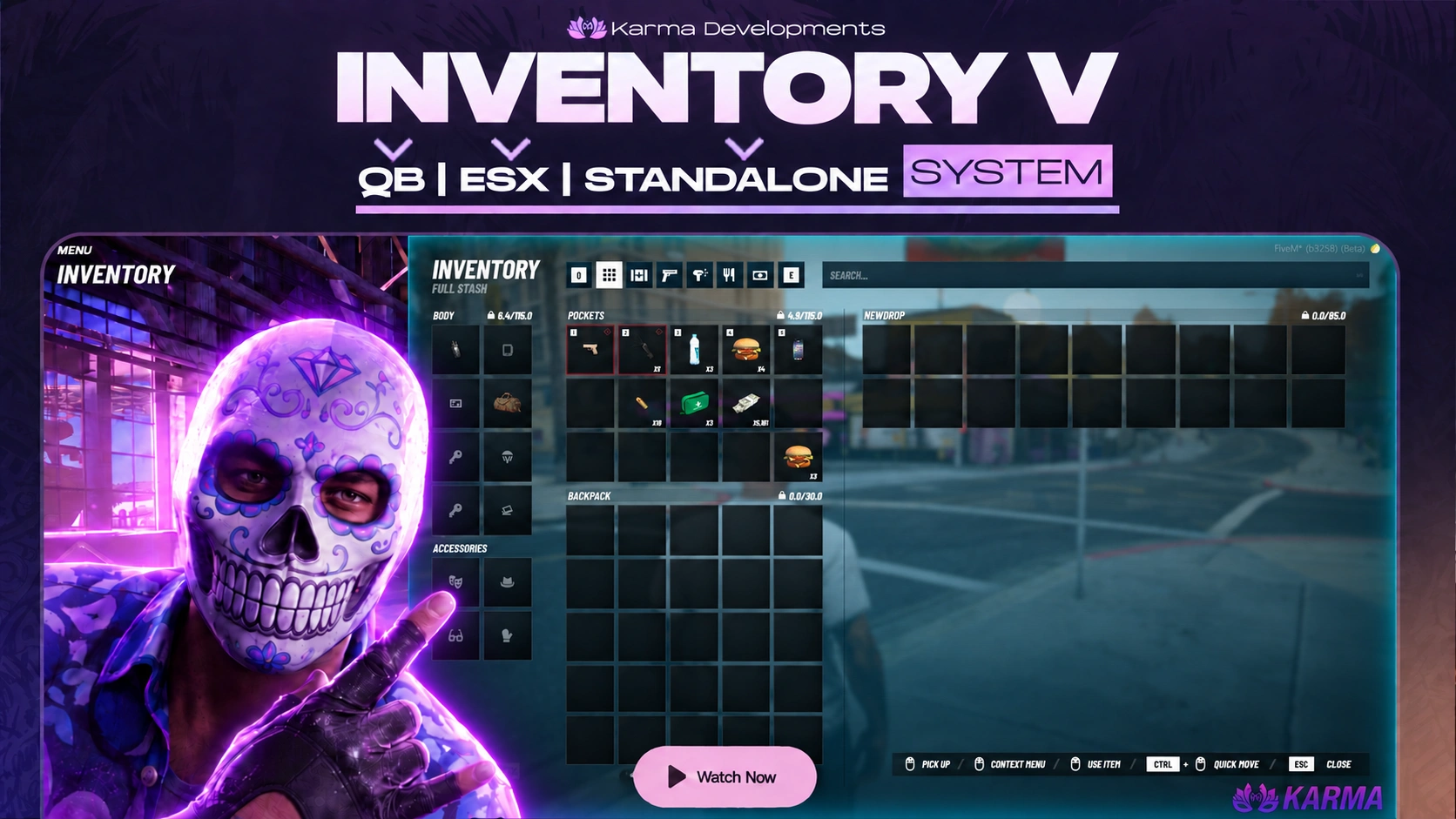 Bought Fivem - INVENTORY V System (Escrowed) and 5 more
Other resources owners add alongside it.